
To help you get started with IRON 2, here are the answers to some frequently asked questions:
How can I try VG-IRON 2?
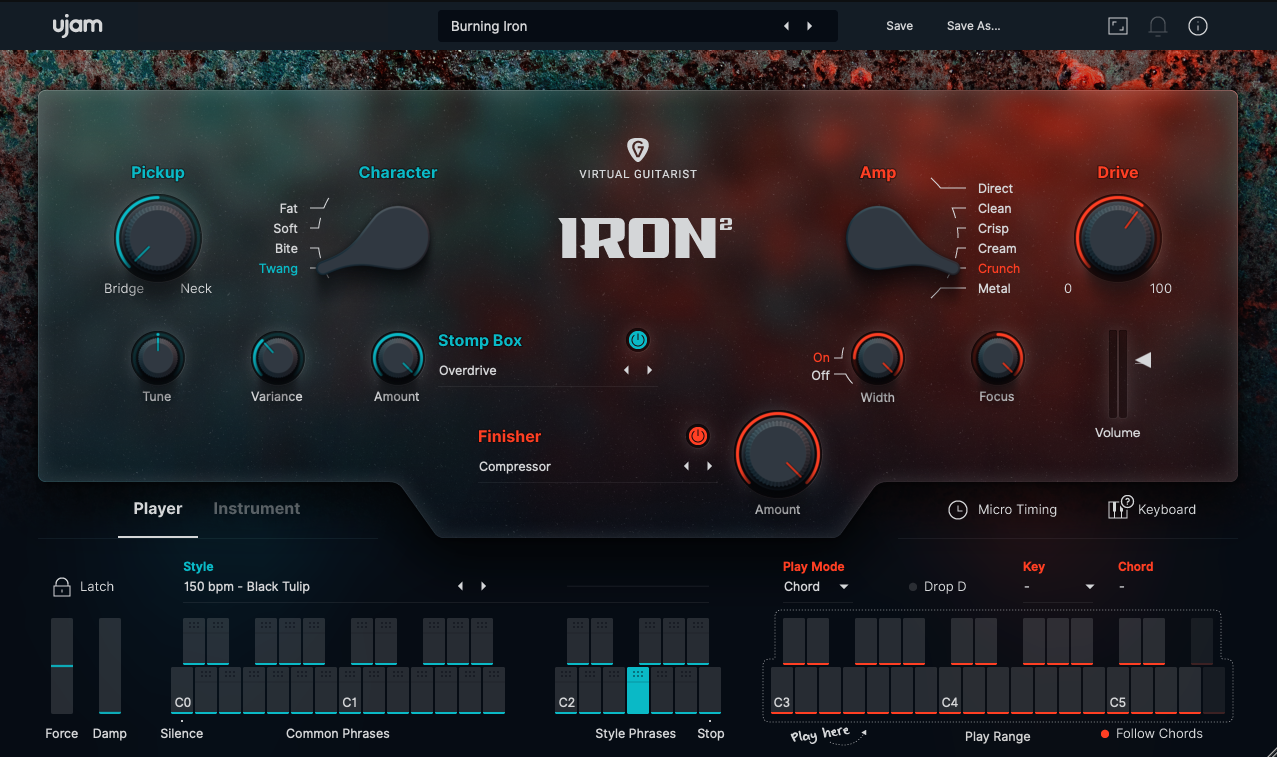
You can download a free trial version here. Click on the plug-in:
Where do I find the user guide?
►Click this link to look at the manual.
I already own several UJAM plugins – do you have a special offer for me?
- If you own IRON 1, you can take advantage of the upgrade deal and purchase IRON 2
- See the Virtual Guitarist Upgrades.
- If you already have a few UJAM products you can upgrade to the complete Music Creation Suite
What about the original IRON V1?
- IRON 2 and IRON 1 can co-exist in the DAW.
- IRON 1 will however not be available for sale anymore, as it has been discontinued.
- If you bought the plug-in in the past, you can still use it and download it from your UJAM account.
- So to summarize, IRON 2 replaces IRON 1 in our shop, but not on your computer. That is also the reason why "IRON 2" appears just as "IRON" in your UJAM account, just because IRON 1 can't be purchased anymore and it will soon be forgotten.
- We know this might be a bit confusing but now you got it!
-
Here's how the new IRON and IRON 1 should look like in your account:
Where to find a walkthrough?
Here you go:
Is there an option to Drag and Drop MIDI?
Sure! VG IRON 2 features MIDI drag and drop, giving you way more possibilities for quick arranging and to fine adjust and alter phrases. If you drag and drop a MIDI file into your DAW, because of the plugin’s internal MIDI handling, you might have to manually adjust its length, this is especially true for Intros, Fills, and Endings.
I bought IRON 2 at a reseller. How can I redeem my code?
The following article will help you: Partner Shop Purchase
Please make sure you copy & paste the complete code!
I can't authorize my new plug-in!
In case you are struggling with authorizing your plug-in, please have a look at the following article: ►Authorization Issues
I received a serial number/ coupon code but I can not redeem it. Is the license usage limit reached or the coupon expired?
Please double check the code you entered.
Log in to your UJAM account and check whether IRON 2 is already linked to your account. If so, you're good to go and you will be able to activate the plug-in with your UJAM credentials.
I open IRON 2 and my DAW crashes – what can I do?
Please check whether you have the newest version of VG IRON 2 installed. The plug-in will notify you if an update is available.
Manually remove all plug-in files and try a clean installation. Have a look at the following articles:
►Uninstalling on Mac
►Uninstalling on Windows
I downloaded the plug-in but my trial time has already expired – I have 0 days left.
Unfortunately, this can happen due to technical circumstances – please make sure the internet connection of the plug-in is not blocked by perhaps a firewall or antivirus software. If your trial expired and you wish to renew it, submit a request to our support staff and attach your .ops file – have a look at the following article: Instant expired trial time
I installed IRON 2 but I can't find it in my DAW.
Please try a DAW plug-in rescan. For further information, click here.
Will VG-IRON 2 work on my computer?
Please have a look at the following article:
Digital Audio Workstations
VG-IRON 2 should run on every DAW supporting VST 2, AU 2, and AAX. We cannot guarantee that IRON 2 is compatible with the following software:
Adobe Audition
Audacity
Pro Tools First
Mixcraft 8
Earlier Cubase versions (make sure to test the free trial)
Is there a Reason Rack Extension?
We didn't create an IRON 2 Rack Extension. Please make sure to use the VST format if you're a user of Reason Studios.
Known Issues
Pro Tools
DAW Crash
Force
MIDI Drag & Drop
Studio One
|
Comments
0 comments
Article is closed for comments.